ANCIENT is a powerful private software for COD BLACK OPS 7 WARZONE offering a comprehensive range of features designed to enhance your gaming performance. It includes an aimbot with adjustable aim type, bone selection, and customizable keys and FOV settings. Visual enhancements such as ESP boxes, skeletons, health indicators, and distance markers help track enemies effectively. The radar, FPS locker, and configuration management ensure a smooth gaming experience. The software supports English and Chinese language options and allows for saving, loading, and sharing configurations, providing a fully customizable setup for players looking to improve their skills in COD BLACK OPS 7 WARZONE.
GENERAL
• Enable
• Aim Key
• Draw FOV
• FOV Color
• FOV Radius
• Smooth
• Smooth Value
• Draw Crosshair
• Prediction Dot
• Target Line
OTHER
• Max Aim Distance
• Prediction
• Target Visible Check
• Humanize Aimbot
• Target Bones: Head, Neck, Chest, Arms, Pelvis
• Target Switch Delay
ESP
• Main
• Box (Visible/Invisible Color)
• Corner Box
• Bot Tag
• Distance (Color)
• Health Bar
• Kills, Rank, Team ID (Unique Color)
• Nickname (Color)
• Skeleton (Visible/Invisible Color)
• Active Weapon (Color)
• Show Teammates
• Show Downed
• Show Only Visible
• Max ESP Distance (10–1000m)
Radar
• Enable
• Max Show Distance
• Radar Scale
Offscreen Arrows
• Enable
• Arrow Type: Arc, Triangle
• Arrow Range
• Visible/Invisible Color
Battle Mode
• Battle Mode Key
ITEMS
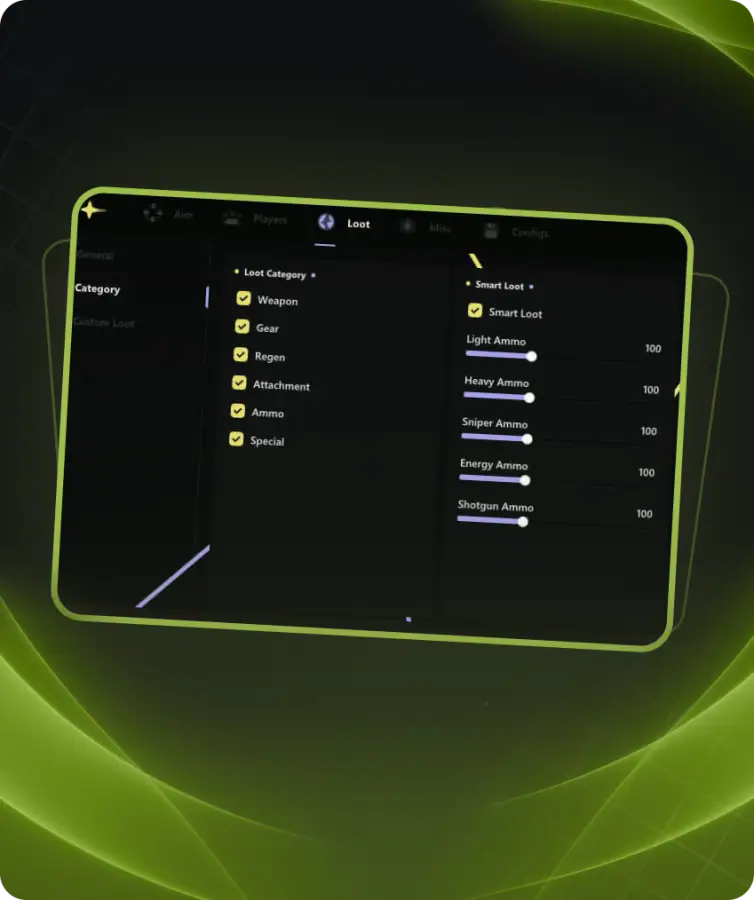
• Master Toggle
• Enable Item Display
• Categories: Armor, Ammo, Weapon, Crate, Misc, Lethal, Tactical, Field Upgrade, Money, Medical, Killstreak, Perk Pack
Item Settings
• Enable Category
• Show Name
• Show Distance
• Max Item Distance (1–1000m)
• Color
SETTINGS
• General
• Show FPS Overlay
• Set Overlay FPS
Configs
• Add
• Load
• Share
• Delete